

Google Routines was introduced in June this year and this feature became really popular. Ones who were using it literally became dependent on it. The feature is so awesome and there is no question that people love it! Who would not want his/her smartphone to do everything and that too with a single command which will let the user and lay back and relax? This feature is visible mostly while we set up an alarm. It saves a lot offtime, effort and truly fusses free. Some people find it little complicated to use this function using the clock app. This write-up has the steps to easily use this feature and let your single voice command and Google Assistant do the rest.
Just A Single Voice Command And Google Assistant Is Ready To Multitask
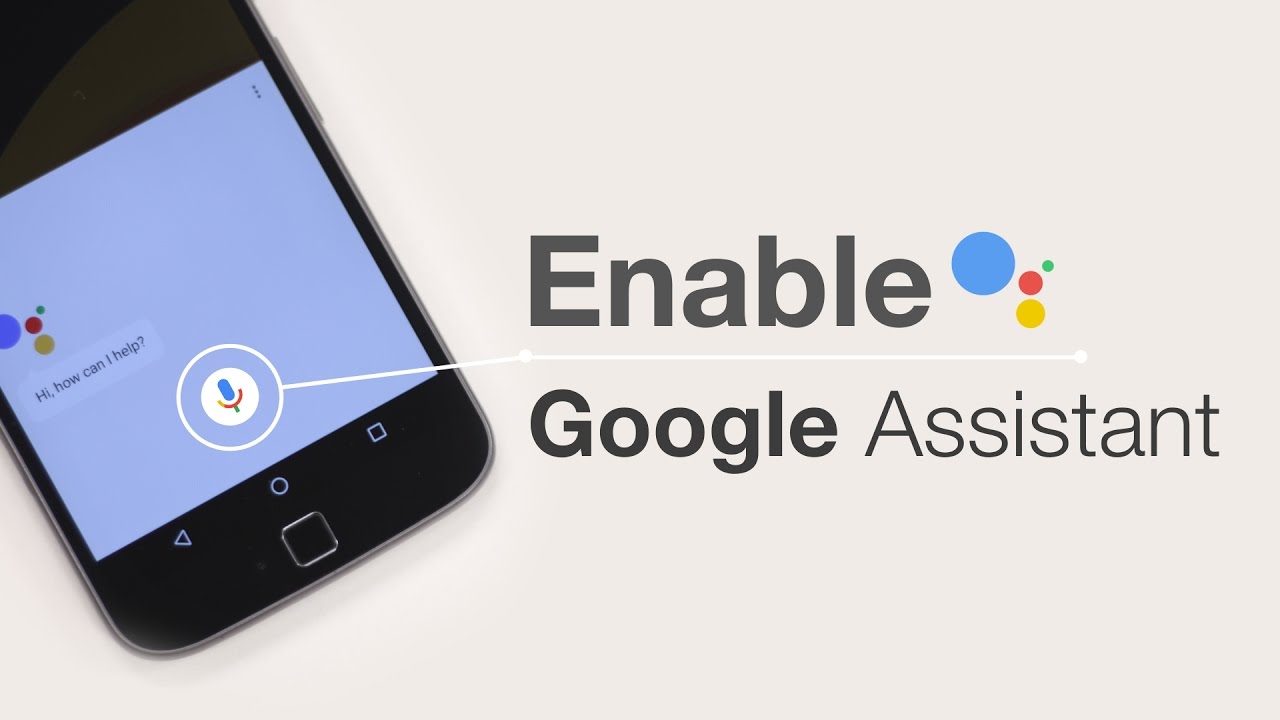
Follow the steps to use Google Assistant Routine from inside the Clock App!
1) At the time of setting up an alarm, just tap ‘Google Assistant Routine’ so as to go to the page where all the tasks are assigned for Google Assistant to carry once the alarm is dismissed.
2) At that page, you will get multiple options using which you can manage your tasks. Tell me about my commute, tell me about my weather etc.
3) As soon as you select the tasks, you can manage the order in the manner you want Google Assistants to perform the tasks. You just have to give a single voice command and Google Assistant will then process the rest of the things automatically.
4) If you want your Assistant to play news, chose options from ‘And Then Play’ as this contains choices like podcasts, audiobook etc. This is not it, you can also choose the exact source from where you want your news.
5) Tap to ‘tock mark’ as soon as you are done. Thee, you will be instructed to approve to get the information from the assistant even when your phone is locked.
6) That us all. A coloured Google Routine signal will now appear below your alarm to show that you have successfully saved your changes. You just have to give one single voice command and Google Assistant will take care of all your tasks.
Get Youth Related News, Movies Reviews, Technology News, News Gadgets and many more with Youth Express.


