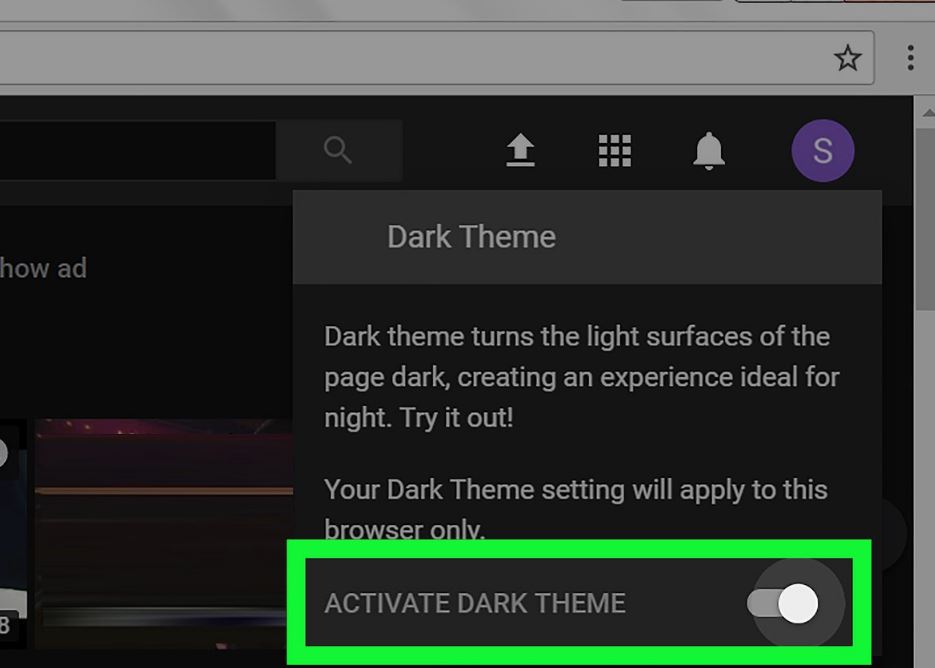
Instant messaging app WhatsApp and Facebook Messenger can come in the dark mode feature which will help save device’s battery and relax even the eyes. But, to browse on the computer/laptop then how to use dark mode. How to use this feature on phone and computer/laptop, let’s know.
Before using dark mode, you know what it is and how it can prove to be beneficial. Google had said in November last year that battery saver is put on keeping the smartphone in dark mode. One report states, “The biggest factor in consuming batteries is the brightness of the screen, and the color of the screen is also there.” Dark mode turns the color of the operating system (OS) or application into an overall black color.
Facebook Messenger Comes Up With Unsend Feature
The report showed how dark mode consumes 43 percent less battery than the ‘normal mode’ at the full brightness level, while conventionally white is being used too much. Technology giant Google also made a mistake of itself that it was encouraging app developers to use the white color for their applications, from which Google’s apps were also included.
While using the dark mode while browsing on a computer/laptop, Google can use the canary version of Chrome, but it is not a stable version yet. This version of Chrome is yet to complete many other remaining tests. In spite of this, you can use Dark Mode with the help of extensions on Google Chrome. To include it in your browser, type https://chrome.google.com/webstore in the URL box.
After this, the option to search on the left will show the name of the extension in dark mode. When the extension opens, click on ‘Add to Chrome’ option on the right. After doing this, its icon will soon be included in your browser. After that, you can use it easily.
Users using Google’s Android operating system can download Dark Mode app by going to the Google Play store. default dark theme for substratum is on Google Play store, with the help of which the user can save his eyes and save the phone’s battery as well. This app completely turns the phone screen black and whitens the text, and also makes some text color red and yellow when needed.
Get Youth Related News, Movies Reviews, Technology News, News Gadgets and many more with Youth Express.